ALLBIM NET Detaliere metal / beton
Building Information Modeling (BIM) - FILS, an IV
Cod: FILS_UTCB_IV
Descriere
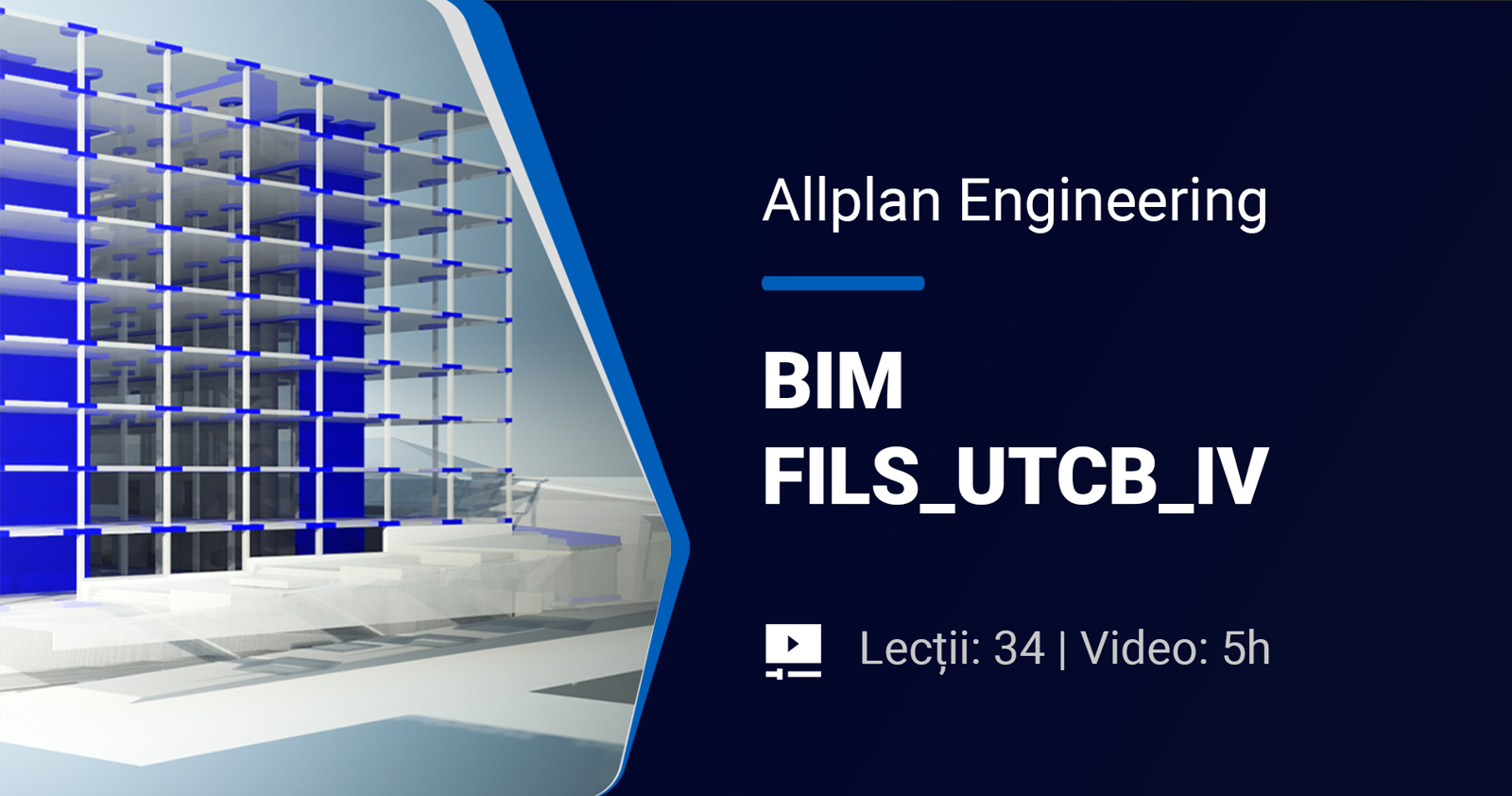
This course is dedicated to the students and professionals that have not yet interacted with ALLPLAN. The main objective of the course is the initiation in BIM - Building Information Modeling, through presenting basic workflow notions for BIM and integrating a complete guideline to create an architecture and engineering project: from a 2D plan view to a 3D model, renders and layouts, from 2D reinforcement details to a 3D model and the complete extraction and adnotation of details, all will be explained starting from a basic, easy to understand building and design brief. We will capitalise on offering a complete information brief that will give the student key know-how and procedures for working in ALLPLAN.
What is BIM? Find more here!
In order to access the lessons needed for this course you have to first enroll and then access the button named Accesează conținut.
The participation diploma for this course will be offered based on the completion of the feedback form and the quizzes from the ending of each video tutorial.
Course content:
Module 1 – Introduction to ALLPLAN
1. Lesson 1 - Presenting the interface to ALLPLAN
2. Lesson 2 - 2D Exercise: Drawing a wardrobe
3. Lesson 3 - 2D Exercise: Drawing a cartridge for a layout
4. Lesson 4 - 3D Exercise: Modelling a coffe table
5. Lesson 5 - 3D Exercise: Modelling a chaise longue
Durtion: 65 minutes
Module 2 - Architecture project
6. Lesson 6 - Import NDW file: Axis
7. Lesson 7 - Working with wizards
8. Lesson 8 - Creating a foundation plate
9. Lesson 9 - Stair wizard for the standard creation of stairs
10. Lesson 10 - Creating walls and columns
11. Lesson 11 - Custom planes
12. Lesson 12 - Creating the openings for doors and windows
13. Lesson 13 - Creating a corner window
14. Lesson 14 - Creating the roof plates
15. Lesson 15 - Interior finish: creating Rooms
16. Lesson 16 - 2D Plan view dimension lines
17. Lesson 17 - Generating architectural reports
18. Lesson 18 - DTM: Modelling the terrain and creating the entourage with help from the library
19. Lesson 19 - Export/import a project and ALLMENU
Duration: 100 minutes
Module 3 - Generating UVS (Views, sections) and presentation images
20. Lesson 20 - Generating sections and views
21. Lesson 21 - The modification of the representation in sections and views
22. Lesson 22 - Height dimension lines
23. Lesson 23 - Creating presentation images (render)
Duration: 45 minutes
Module 4 - Creating and editing the layouts
24. Lesson 24 - Creating and organising the layouts
25. Lesson 25 - Creating details from layout elements and exporting the layouts
Duration: 12 minutes
Module 5 - Modelling and detailing reinforcement views
26. Lesson 26 - Wall reinforcement: extruding based on a path
27. Lesson 27 - Slab reinforcement using surface reinforcement
28. Lesson 28 - Slab reinforcement: reinforcement with wire mesh
29. Lesson 29 - Python Parts reinforcement: slab limit casing
30. Lesson 30 - Wall reinforcement detailing and dimensioning
31. Lesson 31 - Slab surface reinforcement detailing and dimensioning
32. Lesson 32 - Copying the reinforcement from one level to another
33. Lesson 33 - Copying the slab reinforcement from one level to another
34. Lesson 34 - Copying the reinforcement and detailing in existing model
Duration: 60 minutes
Total video content duration: aprox. 5 hours
Based on your experience, the work duration for this course varies from 10 hours to 20 hours.
How to get the ALLPLAN license
Are you a student?
Download the ALLPLAN educational license in Romanian, based on the installation procedure.
! It may take up to 5 working days to get your license code
Are you a graduate?
Download the ALLPLAN trial version, with a valability of 14 days, based on the installation procedure.
____________________________________
If there are any more questions, you can contact us at contact@cursuri.online
Detalii

Instructorii cursului
-
Badruk Nadiia
-
Adrian Ghencea